Thresholding
To determine which regions correspond to biological tissue and which do not, purely from the image, we use adaptive thresholding to binarize the image by converting each pixel to either black or white. From there we can make inferences, based on the number of black vs. white pixels within a given tixel, as to whether a given tixel is on top of tissue, or not.
To understand this process it is useful to remember that a digital image is essentially a grid of pixels, each taking on a discrete color. Each pixel can take on one of \(2^8\) different possibilities, with values from 0 to 255. Where a pixel of value 0 is black, and 255 is white. In this step, we take the image, with pixels each ranging in intensity from values 0 to 255, and convert that image into one where each pixel either has the value of 0 or 255.
This is all done under the assumption that parts of the image corresponding to biological tissue will be darker than the rest of the slide, so in an ideal outcome, all biological tissue is designated as black and everything else is classified as white.
Tuning Parameters
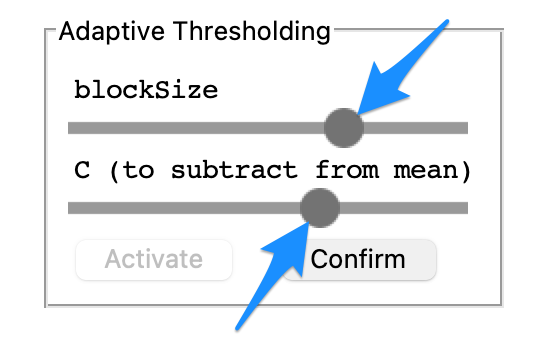
Navigate to the Adaptive Thresholding tab on the right side of the screen and select Activate.
Slide the BlockSize slider and C slider to find the optimal gradient between the sections of the images corresponding to tissue and those not. Use the examples below as a guide for this process.
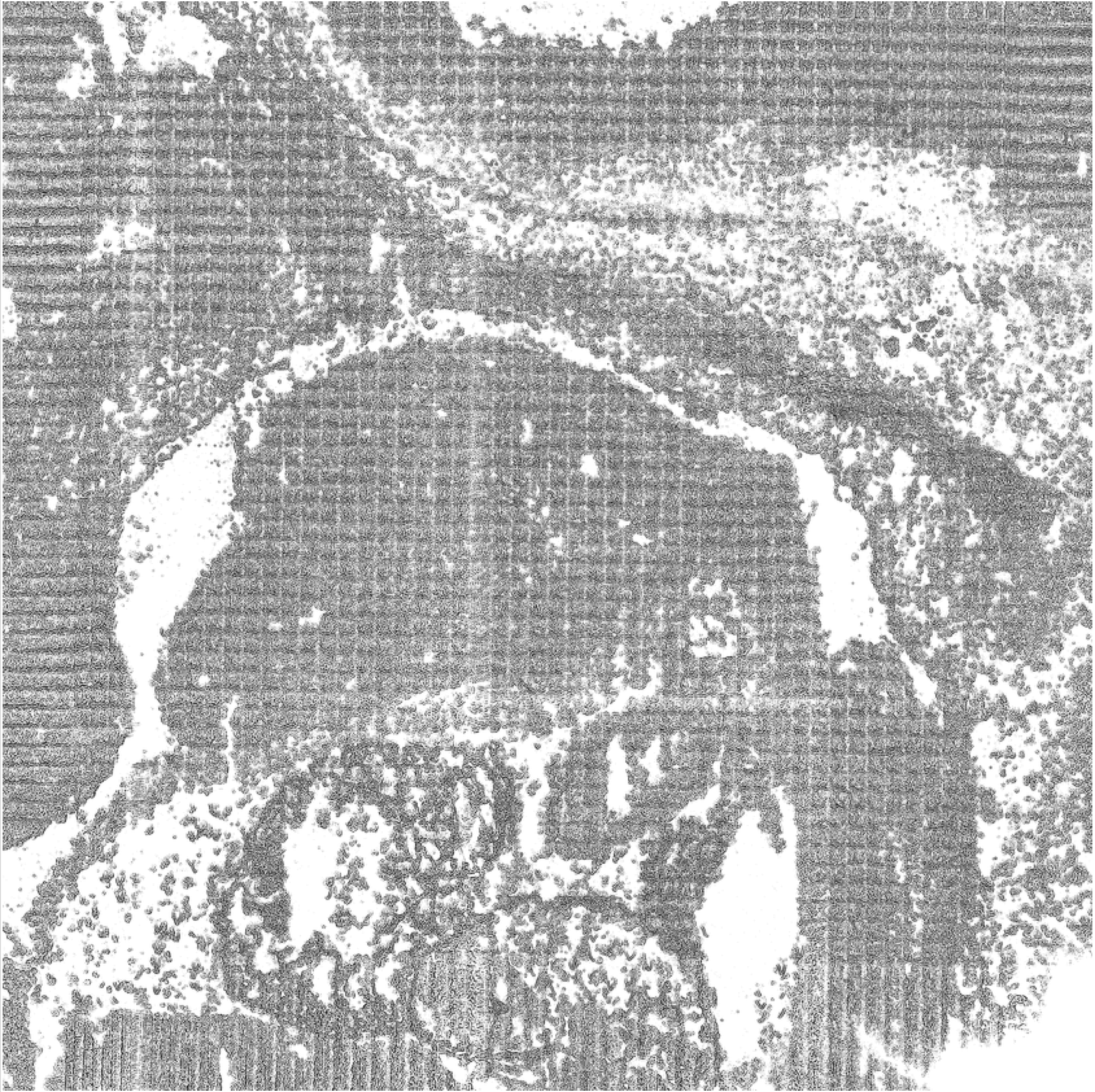
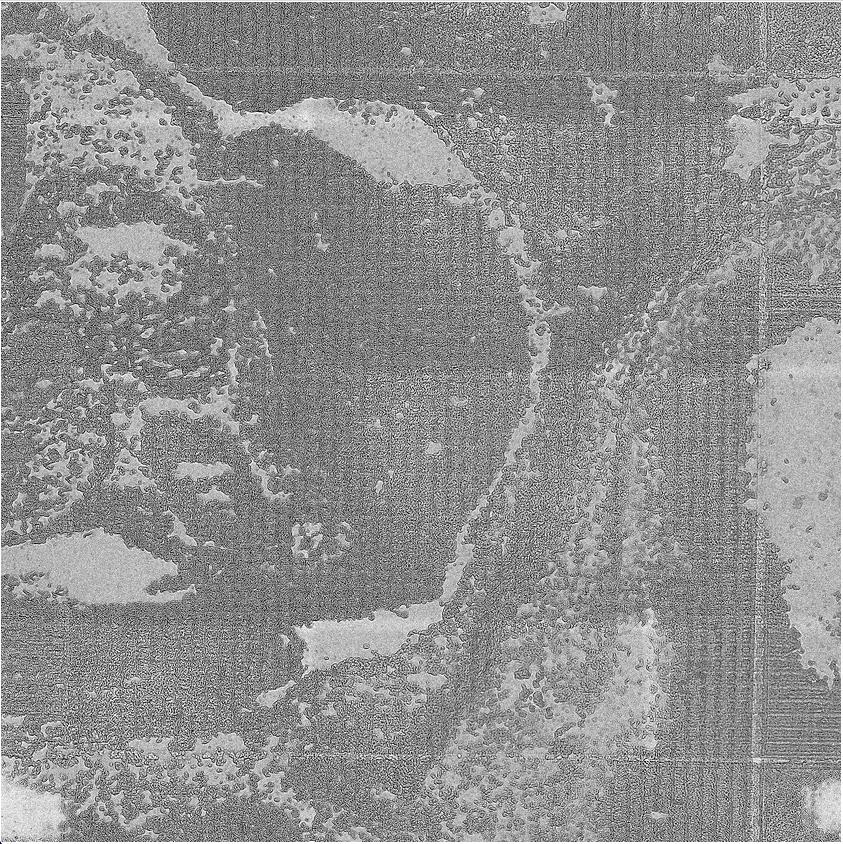
The contrast in this binarized black and white image is optimized using the sliders controlling C value and blocksize parameters.
The BlockSize and C parameters are used to calculate the local pixel intensity threshold which divides pixels to be turned black to those turned white.
This threshold, T, is calculated by \(T = mean(I_L) - C\)
\(I_L\) refers to the local region of the image being observed, with the size of this region determined by the BlockSize variable described below.
BlockSize: How many pixels are taken into account when calculating the threshold value for a given region.
A Blocksize too large takes into account too much of the image, and when factors such as lighting are non-uniform, this can produce nonoptimal results.
Blocksize too small does not take enough of the image into account and so the threshold value is somewhat “overfit” to the region.
C is a constant subtracted from this local mean regulating how far above or below the mean a pixel must be to receive a white classification.
Larger values of C directly decrease the threshold value, meaning more pixels will be above this value, and thus more pixels will be classified as white. As such, a C value too large runs the risk of making the image too light, resulting in the classification of tissue as non-tissue.
Conversely, smaller values of C cause a smaller proportion of the pixels to be above this threshold, leading to many pixels being designated as black. As such, a C value too small runs the risk of misclassifying off-tissue sites as on-tissue.
Once the gradient of the image is configured as desired, select the Confirm button within the Adaptive Thresholding tab.
Thresholding Examples
This is an example of too many of the pixels being classified as black, which leads to off-tissue sites being designated as on-tissue sites.
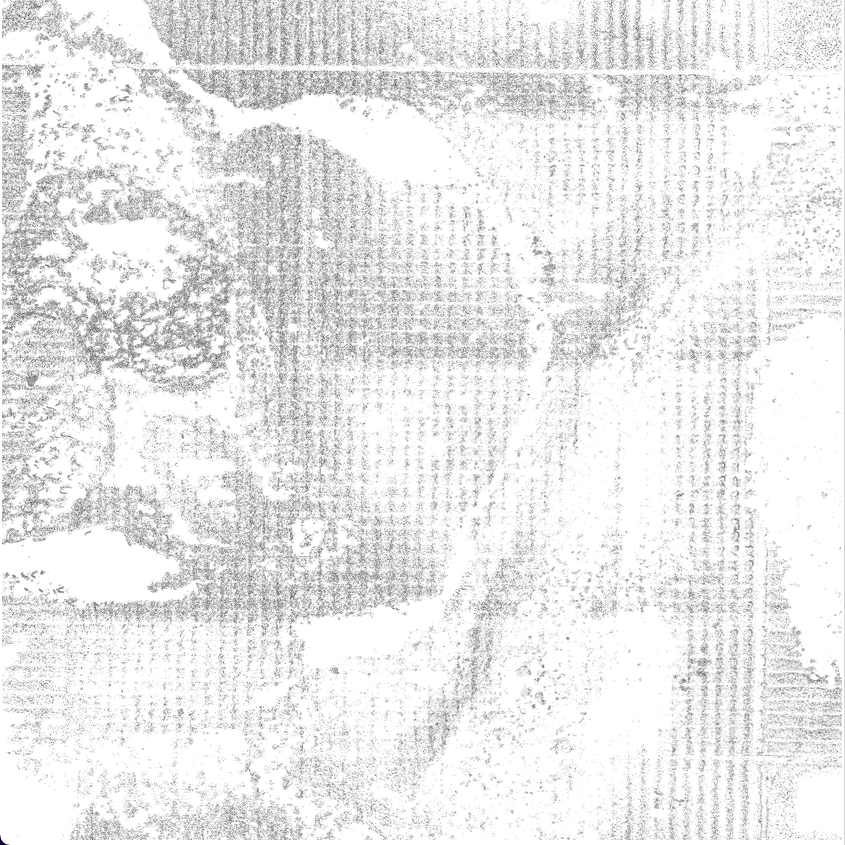
This is an example of not enough pixels being classified as black, leading to sites that are truly on-tissue, being classified as off-tissue.
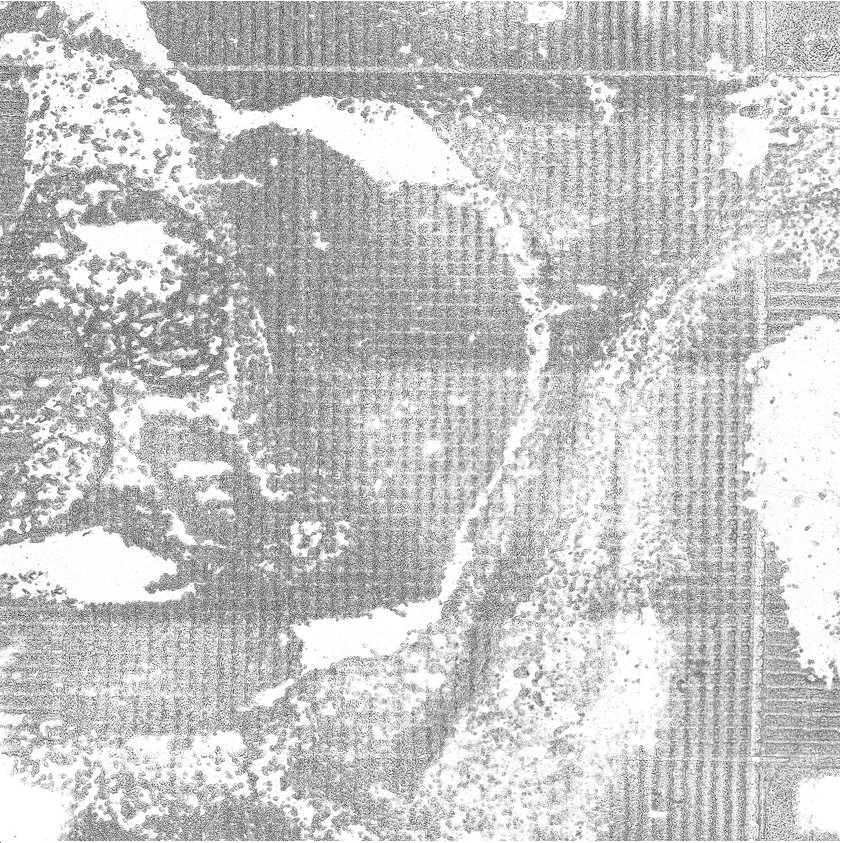
This is an example of there being a good contrast between the on and off-tissue sites of the image, ideally, this will lead to a large proportion of the tixels being classified properly.